1
Upload images in batches
Click the upload button in the input box, or just drag and drop or paste your images. JPG, PNG and WebP are supported, and you can upload many at once for batch processing.
An online watermark remover powered by AI: upload your images in batches, describe the watermark, text or logo you want gone in a single sentence, and the AI locates and inpaints it automatically — no brushing or masking required.
Runs online · No install · Only process images you have the rights to use · Last updated:
Batch
Upload multiple at once
Prompt
Describe it in a sentence
Compare
Before / after view
HD
Keeps original quality
Use RemoveMark AI online: ① open the page and upload your images (batches supported); ② type a one-line description such as "remove the watermark in the bottom-right corner"; ③ wait a moment and the AI erases the watermark, ready to download in HD. No manual masking, and it works on both phone and desktop.
No Photoshop, no masking — remove watermarks online in three steps.
Click the upload button in the input box, or just drag and drop or paste your images. JPG, PNG and WebP are supported, and you can upload many at once for batch processing.
Just like chatting with ChatGPT, type a one-line prompt such as "remove the text watermark in the bottom-right corner" and the AI understands and locates it for you.
The AI reconstructs the covered area from the surrounding context. Drag the compare slider to check the before/after, then download when you're happy.
Drag the slider to see sample results: tiled watermarks, copyright logos and date stamps can all be erased with one sentence.
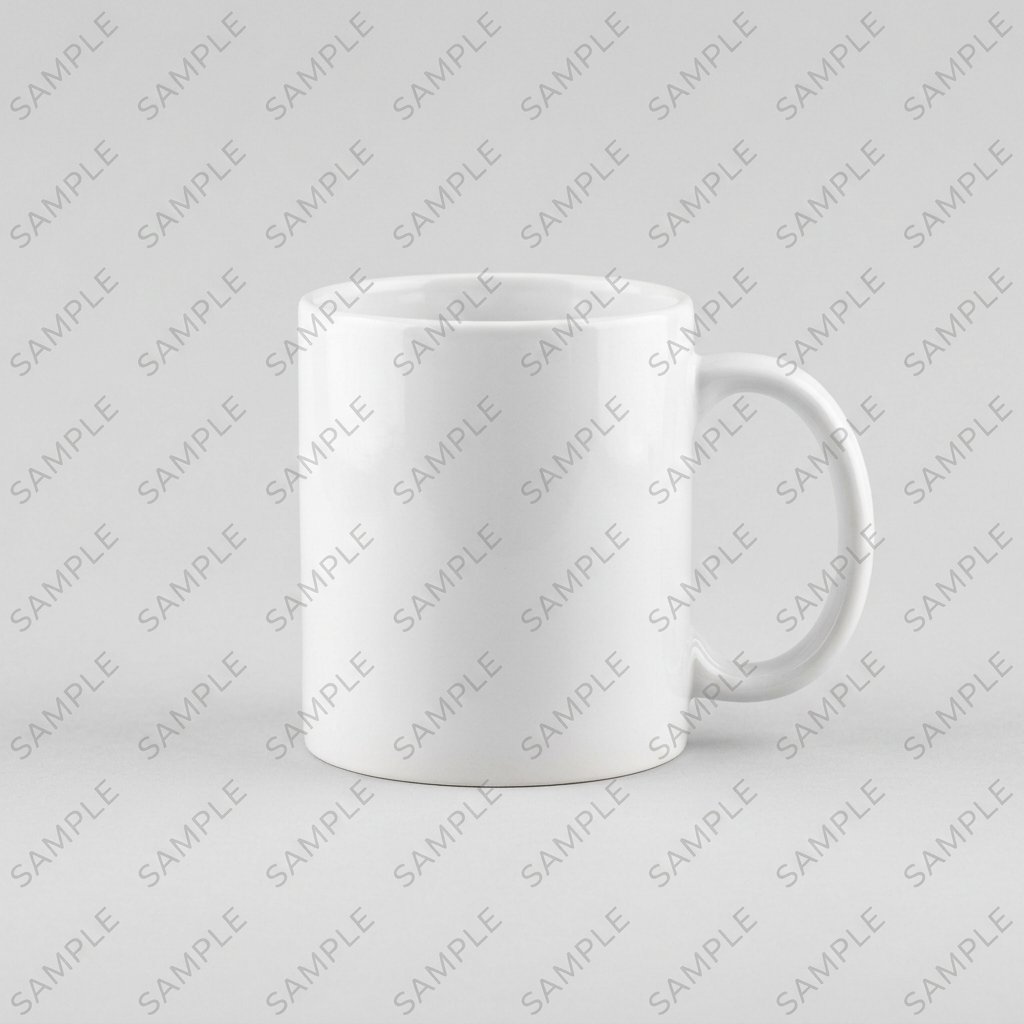
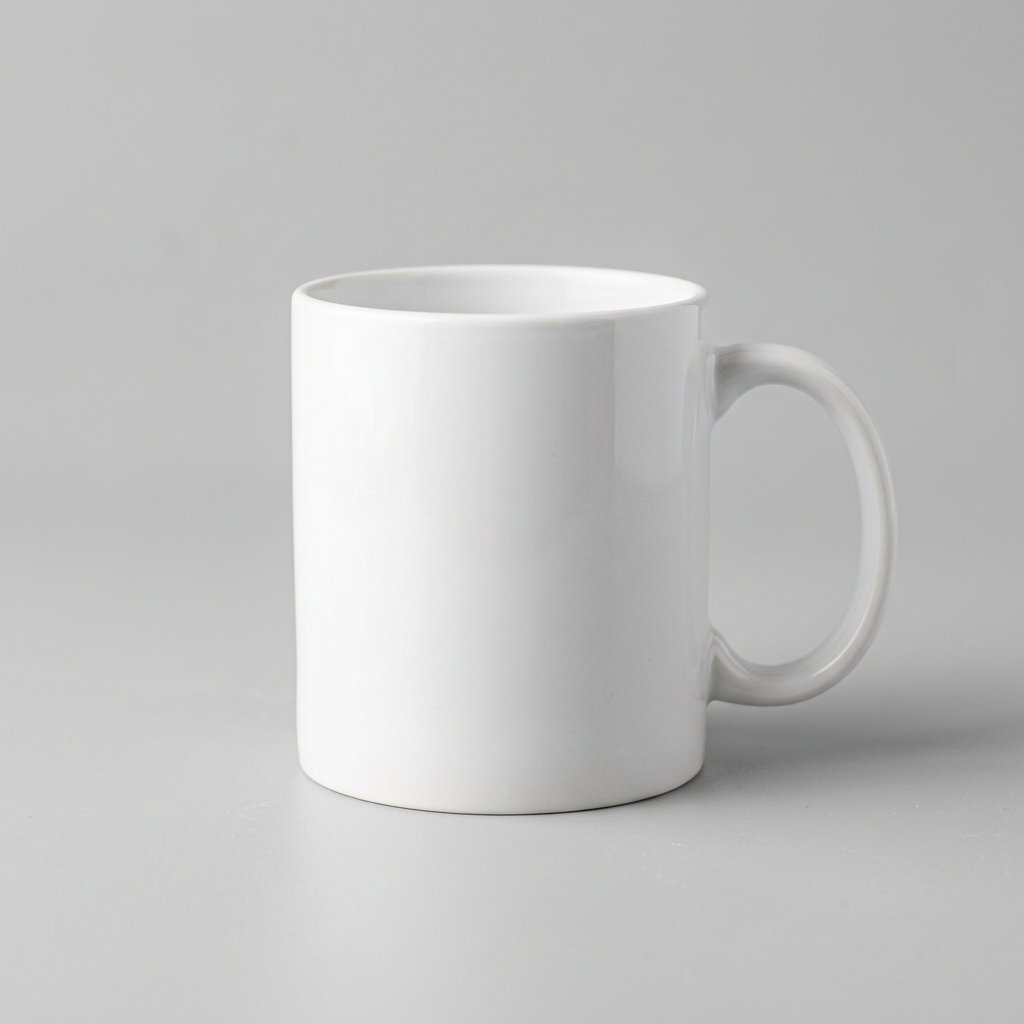
Product photo · Tiled watermark
Prompt: "Remove the tiled SAMPLE watermark across the whole image"

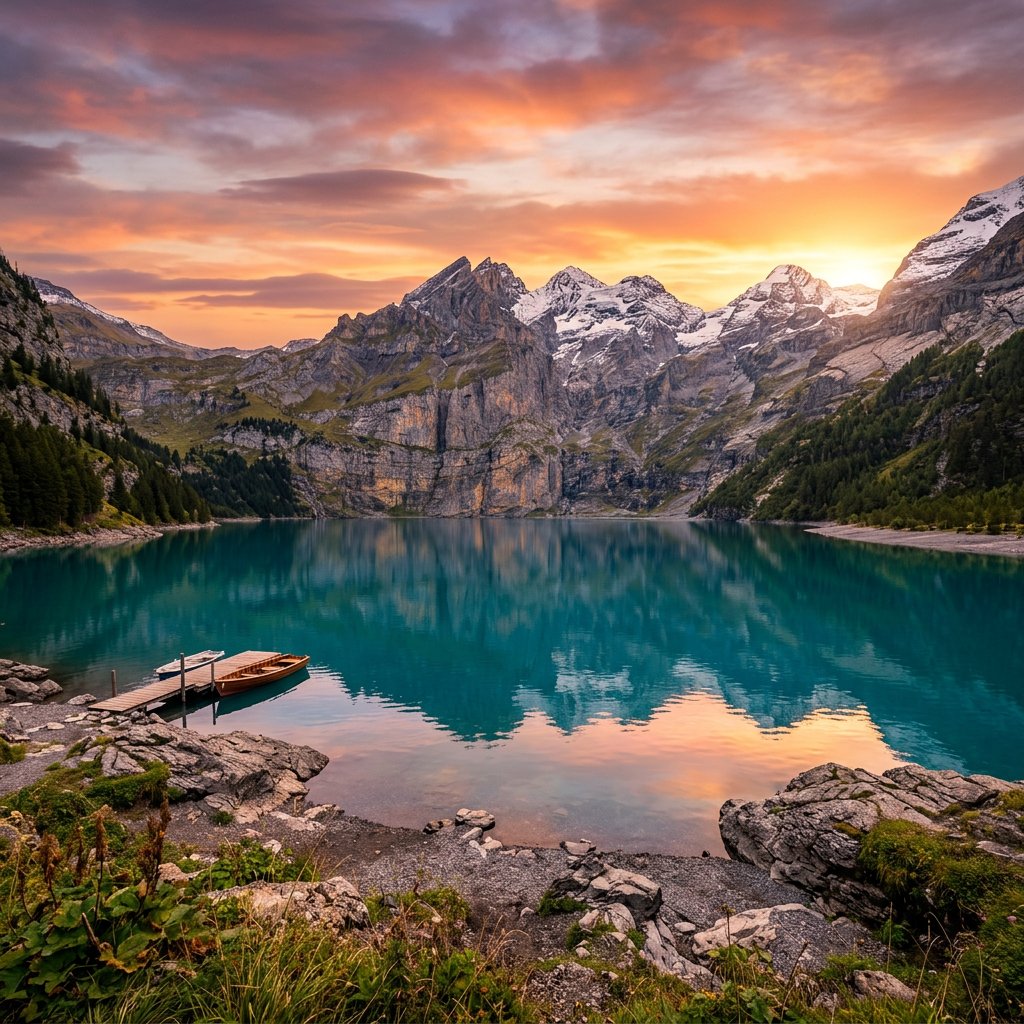
Travel landscape · Copyright mark
Prompt: "Take out the copyright mark in the bottom-right corner"


Food shot · Date & time stamp
Prompt: "Remove the date and time in the bottom-left corner"
Compared with old brush-based tools, large AI models make watermark removal simpler and more natural.
It understands the image semantically and rebuilds the texture and lighting hidden behind a watermark, handling complex backgrounds far better than manual brushing.
Describe the watermark in a single sentence — that's it. It works just as easily on your phone, with zero learning curve for beginners.
Upload many images at once and they're queued automatically, with each one's status (in progress, success, failed) shown in real time.
Once processing is done, drag the slider to compare the original and the cleaned result side by side, then download when satisfied.
We take image privacy and data security seriously. How images are processed, stored and deleted follows our privacy policy and the notes on this page.
Runs online with no sign-up or download. Everything is automated, output keeps the original resolution, and no new watermark is ever added.
Whether it's Instagram or Pinterest screenshots, stock-photo sample marks, e-commerce product logos, or date stamps on old photos, RemoveMark AI handles it with a single sentence. Please make sure you own the rights to the image or have the necessary permission.
RemoveMark AI prompts vs. traditional brush tools vs. manual Photoshop retouching.
| Aspect | RemoveMark AI (prompt) | Traditional brush tool | Manual Photoshop |
|---|---|---|---|
| How it works | Describe in one sentence, AI locates it | Manually brush / box the watermark area | Clone / healing brush, pixel by pixel |
| Speed | Submit a prompt and queue jobs in batches | Brush each image by hand, then wait | Usually a lot of manual work |
| Batch processing | ✅ Yes, auto-queued | Partial, brush each one by hand | ❌ One image at a time |
| Complex backgrounds | AI semantic rebuild, more natural | Complex textures blur or leave traces | Depends on the editor's skill |
| Learning curve | None — if you can type, you can use it | Low, but takes practice for accuracy | High, needs pro retouching skills |
| Cost | Online use; quota shown on the page | Often limited or subscription-based | Pro software, usually subscription |
Here are common image-cleanup scenarios. Actual results depend on the source quality, watermark size and background complexity.
Great for cleaning up sample labels, corner tags or distractions in supplier-licensed images so your catalog looks consistent.
Use it to remove date stamps, stray text, stickers or corner marks from your own photos for a cleaner shot.
Ideal for creators, designers and marketers cleaning up extra text, captions or labels in already-licensed assets.
Yes. RemoveMark AI is an online AI watermark remover. Available quota, sign-in requirements and usage limits follow the notes shown on the page. The result never adds a new brand watermark of our own.
No. The tool is built on a large AI model — just describe what to remove in one sentence (e.g. "take out the logo in the bottom-right corner") and it locates and erases it for you. Simpler than brush tools, and more natural.
Yes. Upload several images at once and the AI processes them one by one in a queue, with each image's status (in progress, success, failed) shown live in the history list.
JPG, JPEG, PNG, WebP and BMP are all supported, up to 20 MB per image, and the output keeps the original resolution.
We take image privacy and data security seriously. How images are processed, stored and deleted follows our privacy policy and page notes — please avoid uploading images you don't have rights to or that contain sensitive information.
Yes. RemoveMark AI is a web tool that runs directly in any browser on phones, tablets and computers (Safari, Chrome and more) — no app to download or install.
If you just need to handle common watermarks quickly, AI tools are usually simpler and better for batch, low-effort work. Photoshop suits professional retouching that needs pixel-level control. See the comparison table above.
Only remove watermarks from images you own or are licensed to edit. Removing someone else's copyright watermark without permission and using it commercially may infringe their rights — please follow your local laws.
Detailed guides for different platforms and scenarios, updated regularly.
How to clean usernames and overlays from saved Instagram images in three steps.
Read the guide →Erase the TikTok handle and stickers from video screenshots while keeping it sharp.
Read the guide →How to erase and repair the orange date-time stamp on scanned old photos with AI.
Read the guide →A compliant workflow for batch-removing logos from supplier images.
Read the guide →AI methods and prompt tips for erasing any text, caption or label from an image.
Read the guide →A full comparison of leading AI watermark removers on quality, speed and price.
Read the guide →No app to download — any device with a browser works.
AI watermark removal uses large image AI models (generative inpainting) to automatically detect watermarks, text, logos and other overlays in a photo, then intelligently rebuild the covered area from the surrounding texture, color and semantics — leaving a clean, natural, watermark-free image. Unlike clone-stamp or brush retouching, AI removal needs no manual masking and performs noticeably better on complex backgrounds (portraits, landscapes, gradients).
The core advantage of RemoveMark AI is prompt-based interaction: just like using ChatGPT, describe what to remove in plain language and the tool handles the removal in batches, fully automated, with HD output.
Maintained by the RemoveMark AI product team
This page explains how to use the online AI watermark remover, its use cases and the things to keep in mind. Last updated June 11, 2026; actual features, quotas and data-handling rules follow the page notes and privacy policy.
Responsible Use
Only process images you own, are licensed for, or may lawfully edit. Don't use this tool to bypass others' copyright marks, platform rules or commercial licensing. If an image contains personal privacy, sensitive information or third-party rights, get the necessary permission first.
Refined page copy, FAQ, compliance notes and the before/after experience; toned down unverified numeric claims.
Improved batch upload, history records and retry-on-failure flows.
Launched the prompt-based image-editing prototype with drag, paste and multi-image preview.